This app runs 5 AI coding agents on one prompt.
The catch? You still review every diff
Orca runs Claude Code, Codex and 30+ other coding agents side by side, each in its own git worktree. What the README and docs say, and what it costs you.
- Claim
- Five AI agents, one prompt?
- Catch
- MORE AGENTS, MORE TO REVIEW
- Verdict
- A control room, not a coder
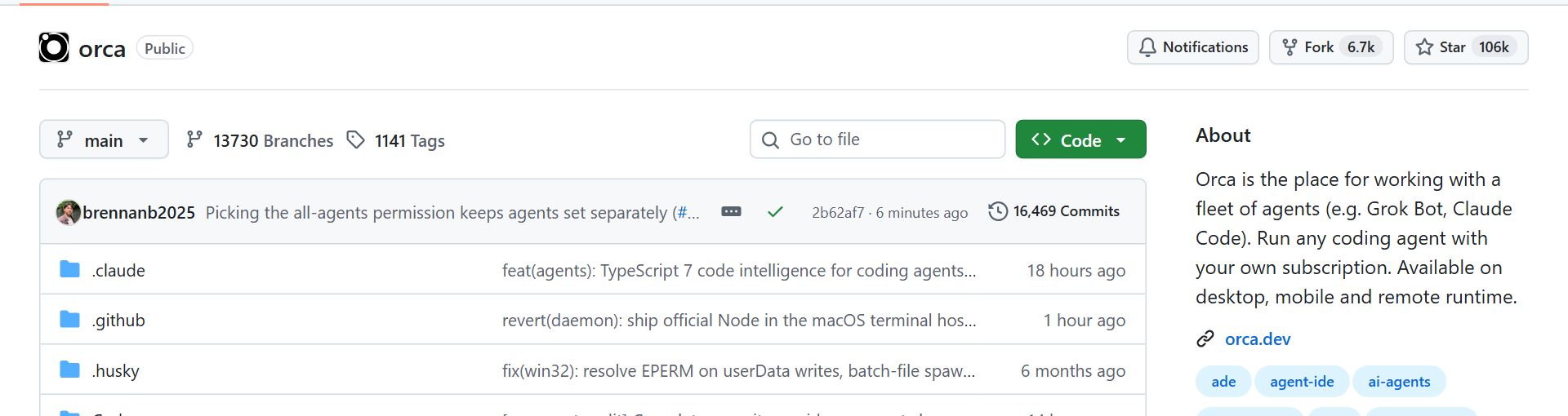
Orca was trending on GitHub in the last week of October 2026: 105,841 stars on October 26 since the repo was created in March, and 9,622 of them that week. It's a free, MIT-licensed desktop app for macOS, Windows and Linux, with a phone companion app for iOS and Android, built for one job: running several coding agents at once. We read the README and the docs.
What it does
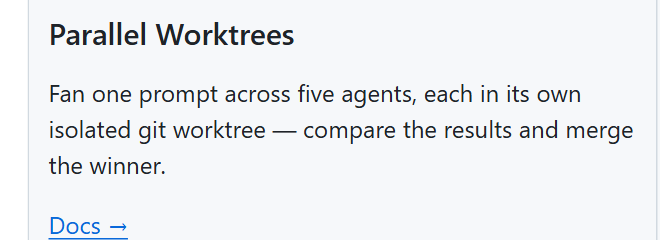
The README's headline feature: fan one prompt out to five agents, each in its own isolated git worktree, then compare the results and merge the winner. The worktrees are what make this work. Each agent gets a separate working copy of the repo, so five agents editing the same files don't trample each other. In practice that means you can hand Claude Code and Codex the same bug, let both work at once, and keep the better fix.
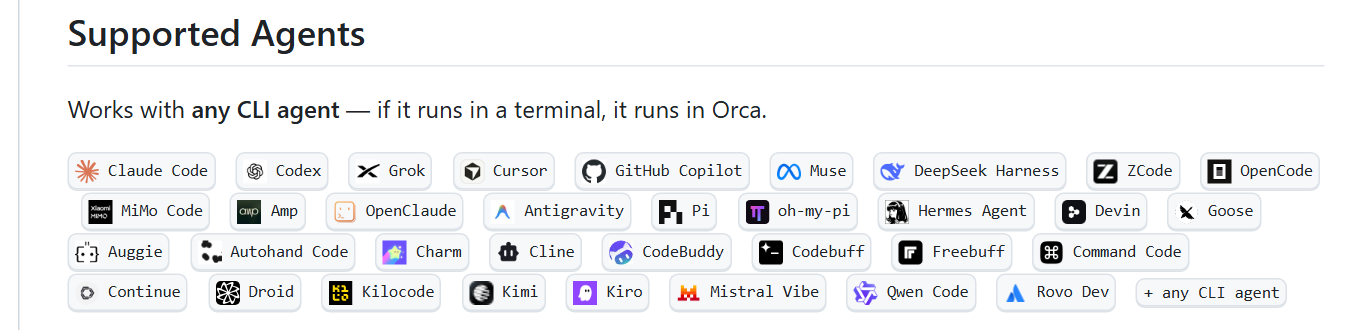
The README names 34 supported agents, including Claude Code, Codex, Cursor, GitHub Copilot and OpenCode, and says any CLI agent that runs in a terminal works too. From the app you can annotate AI diffs line by line, commit and push, and steer running agents from your phone.
Try it
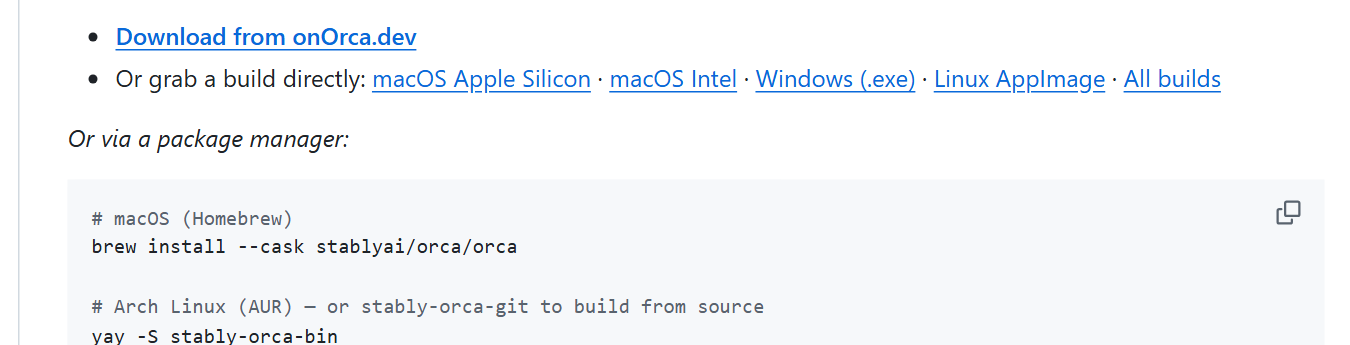
On a Mac with Homebrew, install it with brew install --cask stablyai/orca/orca, or download the app from onorca.dev. Then open a repo and give two or three agents the same task.
The catch
Orca runs agents "with your own subscription." Fanning one prompt out to five agents uses five agents' worth of your own plan usage, and Orca doesn't make any single agent smarter: you still review every diff before you merge. The project also moves fast, with four releases between October 21 and 25, 2026, and 4,341 open issues on GitHub when we checked, so expect rough edges.
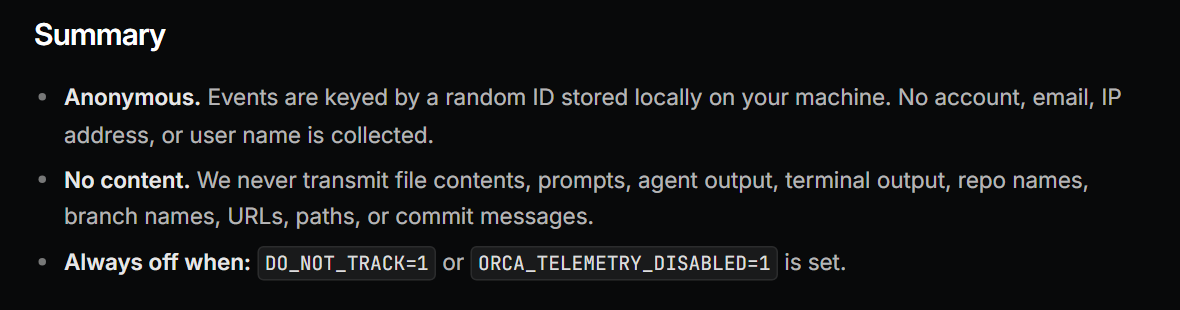
Its docs say packaged builds collect anonymous usage telemetry (no prompts, code or repo names) unless you opt out by setting DO_NOT_TRACK=1 or ORCA_TELEMETRY_DISABLED=1.
Verdict
A great control room, not a smarter coder. If you already pay for more than one agent and want to compare their answers on real tasks, Orca makes that easy. If you only use one agent, the draw is the control room itself: diffs you can annotate line by line, commits from the same window, and a phone app to check in on long runs. Check your AI providers' plan limits before you run agents in parallel.
SOURCES
- stablyai/orca README and repository page (github.com/stablyai/orca), MIT license; stars via the GitHub API and open issue count via GitHub search, October 26, 2026; releases v1.4.237 to v1.4.240.
- GitHub Trending, weekly view, October 26, 2026 (9,622 stars this week).
- Orca docs, "Privacy & Telemetry" (onorca.dev/docs/telemetry).
Not affiliated with Stably or Orca. Check your AI providers' plan limits before running agents in parallel.


